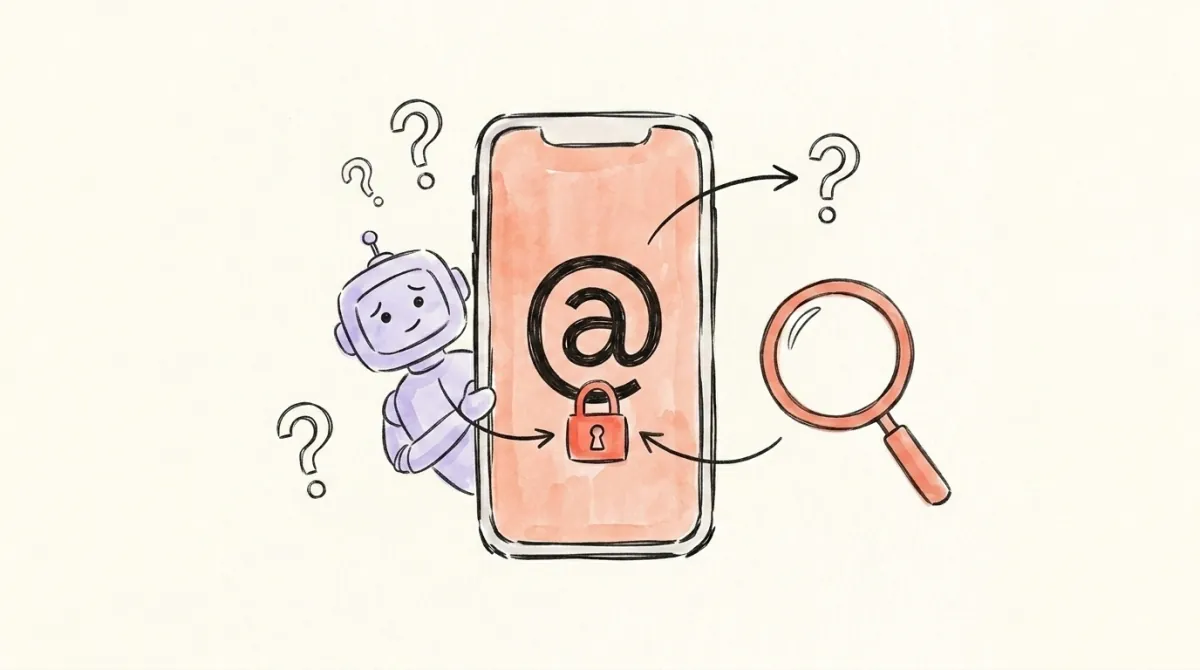
Threads Account Suspended or Disabled? How to Reactivate It

Check your Threads account first
Before you assume the worst, see whether your profile still loads and still surfaces in search for a logged-out viewer.
Read the exact notice on your Threads account before choosing a route. Some people see a review button, some must complete identity checks first, and some see no place to submit an appeal. Appeals Centre Europe may accept an eligible content-based suspension in the EU. An Instagram appeal is for an Instagram decision, not a guaranteed route around a Threads ban.
If Threads says your account is suspended, save a screenshot of the notice, the date, and any policy or reference number shown. The next step depends on what Threads actually lets you do. There is no public appeal form that works for every suspended Threads account, and no appeal or third-party dispute guarantees restoration.
First, Find Out What Was Restricted
Try signing in to Threads and read the notice. If you can still open the app, check Settings → Account → Account status for removed content or limits on your profile. Threads says Account Status shows violations and restrictions. If login is blocked, the suspension screen itself may give you a review option, an identity check, or a decision that is already under review.
Check Instagram separately. A Threads suspension and an Instagram disablement are different decisions, even when they affect the same person. Write down which account each notice names. If a notice gives an appeal deadline, follow it; do not treat it as a date when the account or its data will automatically be deleted.
If Threads Offers a Review Button
Use the review option shown in Threads and follow its prompts. If you see a text box, explain the specific decision you dispute: the account name, date, cited policy, what happened, and why you believe the decision was wrong. Stick to facts you can support. If you see a text box and want help wording it, Ban Assistant drafts the appeal for that route and tracks the replies you add. If the flow has only a button and no text box, follow that flow; a drafted letter has nowhere to go at this stage. Save the confirmation screen or reference number and check the same surface for a response.
Profile analysis
See how your profile really scores
Unmutely analyzes your X or Bluesky profile and shows exactly what to fix to get more reach. Audits run on credits, bought in packs.
If Threads asks for a selfie, ID, or another identity check, complete the on-screen steps if you choose to proceed. That is a different task from writing an appeal. If you already submitted a review, check its status before trying another one. Meta does not publish a universal number of appeal attempts or a response time that applies to every Threads suspension.
If There Is No Threads Appeal Form
Confirm you are looking at the affected Threads account, read the full notice, and check Account Status if accessible. A missing button does not imply a hidden Instagram form for the Threads decision. Instagram's disabled-account instructions say to request a review from the Instagram login flow when the Instagram account is disabled. If Instagram itself is disabled, follow that separate path. Instagram Report a Problem is for technical issues; it is not a confirmed way to appeal a Threads suspension.
If you already have an active Meta Verified subscription on an accessible Instagram or Facebook account, you may be able to contact Meta Verified support about the Threads issue. That channel is limited to active subscribers and does not promise to accept or overturn a Threads appeal. Do not buy a subscription solely on the assumption that it will restore your account.
For a user outside the EU with no review field or eligible external route, document the decision and check for changes in the account's own review flow. Nobody can promise a submission channel Meta has not offered. Be wary of anyone asking for your password or charging a fee to “guarantee” recovery.
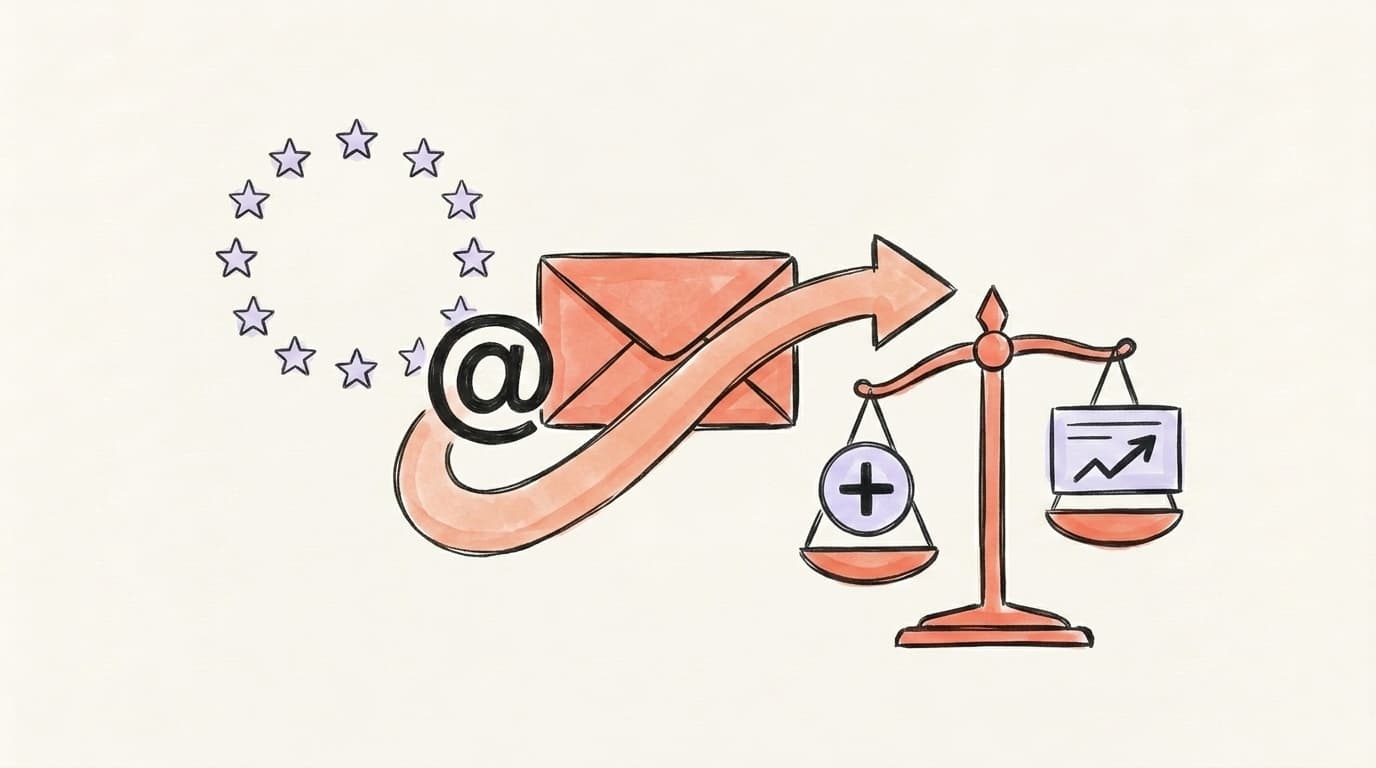
If You're in the EU, Check Appeals Centre Europe
Appeals Centre Europe accepts disputes about Threads account suspensions, including some cases where the user could not first appeal to Meta. Its rules require that you be located in an EU member state, be at least 16, and challenge an enforcement decision made within the last six months. You must communicate in one of its seven operating languages. The account decision must be tied to content the centre can review; it decides whether your dispute qualifies after checking details with the platform.
The centre excludes several common cases: accounts treated as bots or using automation, hacked accounts, impersonation, identity-verification decisions, accounts suspended only because they are linked to another suspended account, and some spam or other policy decisions. Check its current eligibility list before preparing a dispute. A person in the EU is not automatically eligible just because Threads suspended their account.
You do not have to finish an internal Meta appeal before submitting an eligible dispute, although the centre encourages trying the platform's review when available. Gather your Threads username, decision date, notice, policy reason, and reference ID; the centre's portal asks for a statement of up to 3,500 characters. Submission is currently free. Its decision is not binding on Meta, and even a decision in your favour cannot guarantee restoration.
If you are in the EU and the problem is that the platform failed to provide the review process required by the Digital Services Act, you can also complain to your national Digital Services Coordinator. That is a complaint about compliance, not a form that directly restores a Threads account.
What to Keep While You Wait
Save the original notice, any case or reference number, screenshots of available buttons, your submission, and later replies. Check where you submitted the review or dispute for updates. Do not assume silence means approval or rejection, and do not rely on an unsupported “wait 14 days” rule. If Meta changes the available steps or supplies a new reason, reassess the route.
If your account is accessible, use Meta's account settings to request a copy of your data. Availability can differ once access is lost, so do not count on a download from a disabled account. Avoid sharing identity documents or passwords with unofficial recovery services.
After Access Returns
Review the policy named in the notice, secure the account, and check Account Status for remaining restrictions. A reach problem differs from a suspension: our free Threads shadowban test checks public visibility signals, but it cannot determine why Meta suspended an account or reverse a ban. The Threads shadowban guide covers reach loss; the Instagram shadowban guide addresses Instagram visibility. If your X account is also suspended, follow the separate X suspension guide.
FAQ
Q: How long does a Threads suspension last?
There is no reliable universal duration. Read the notice and any date Meta gives you, submit a review when the account offers one, and check its status. Appeals Centre Europe has a separate six-month filing limit for eligible enforcement decisions.
Q: Can I appeal a Threads ban more than once?
Meta does not publish one attempt limit that applies to every Threads account. Follow the options shown for your decision. If a review is pending, check its status. An eligible EU dispute through Appeals Centre Europe is a separate process and does not require a completed Meta appeal first.
Q: Can I appeal a Threads ban through Instagram?
An Instagram disabled-account appeal challenges an Instagram decision. If only Threads is suspended, do not assume Instagram's login or Report a Problem flow will submit a Threads appeal. If both accounts are disabled, inspect each account's notice. Existing Meta Verified subscribers may ask support about the Threads issue, without a guarantee of review or restoration.
Q: What if Threads shows only verification or no appeal button?
Follow the verification prompt if you choose to proceed. If there is no button, save the notice and check Account Status if accessible. Users who meet Appeals Centre Europe's rules may have that separate route. For others, there is no confirmed universal form where a drafted Threads letter can be sent.
Q: Who can use the EU dispute route?
Appeals Centre Europe accepts some Threads account disputes from people located in an EU member state, aged 16 or older, over an eligible decision made in the previous six months. It excludes several reasons, including bot or automation behaviour, hacking, impersonation, and identity verification. The centre checks eligibility, and its decision does not bind Meta.
Related articles
Threads "Content Not Available": 7 Causes and How to Fix It
Seeing "Content Not Available" on Threads? Tell a block from a deleted post, a private account, a region limit or a glitch in minutes — and fix it.
Threads Shadow Ban: Does It Exist? (What We Know)
A Threads shadow ban isn't a formal policy — it's what users call reduced reach from Meta's content filters. Here's what actually happens and how to check.
X Account Locked vs Restricted vs Suspended: How to Unlock
Is your Twitter account restricted, locked or suspended on X? Tell which one from the screen you're seeing — and how to unlock yours.